JOIN NOW AS A FOUNDING MEMBER - 60% OFF!
PUBLISH A BOOKSTORE-QUALITY CHILDREN'S BOOK
...Even If You’re A Complete Beginner

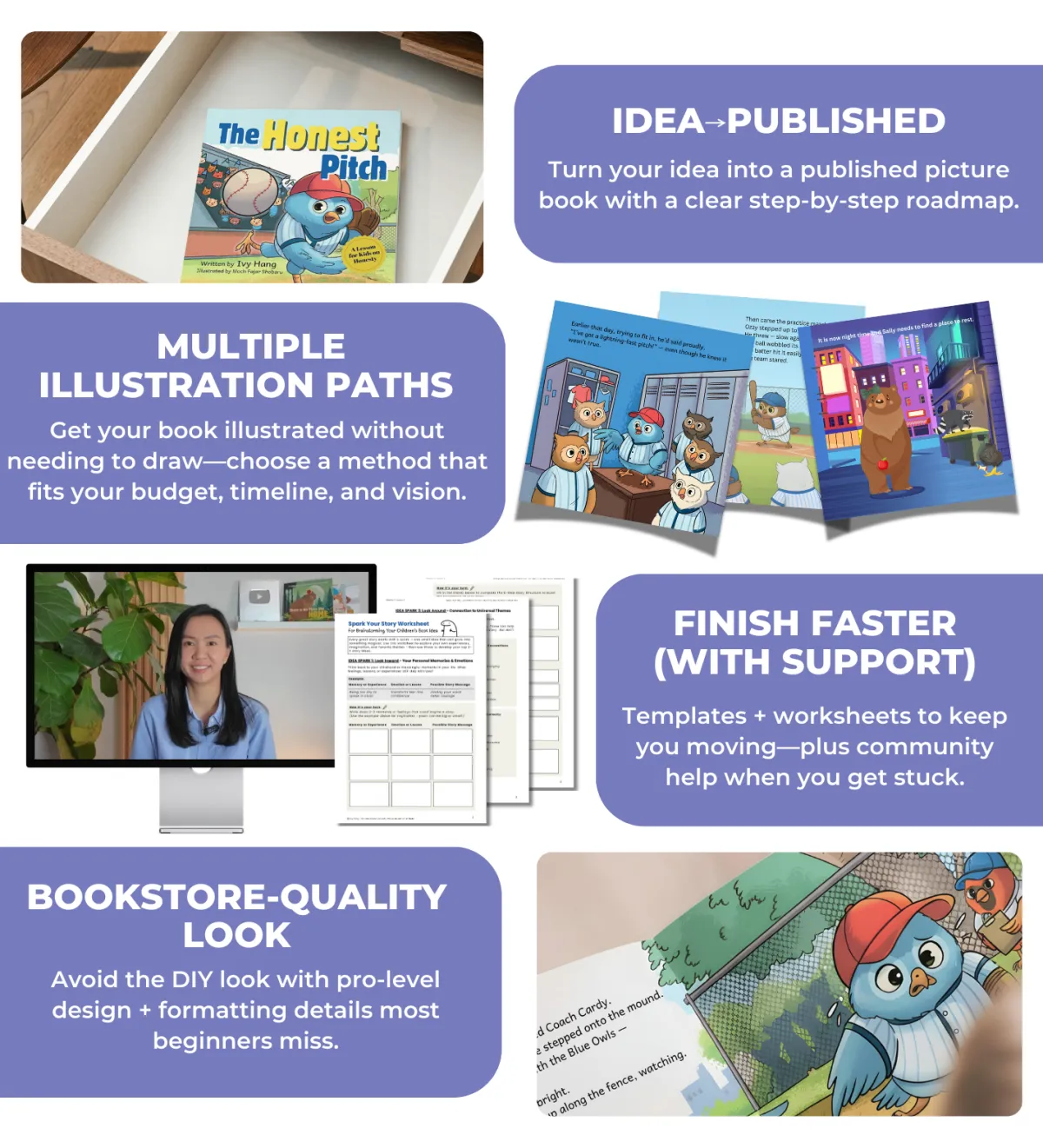
Little Book Launch walks you through how to write, create, and self-publish your children’s book on Amazon KDP— so you can end up with a polished, professional-looking book without months of overwhelm or spending thousands.
WHAT'S INSIDE:
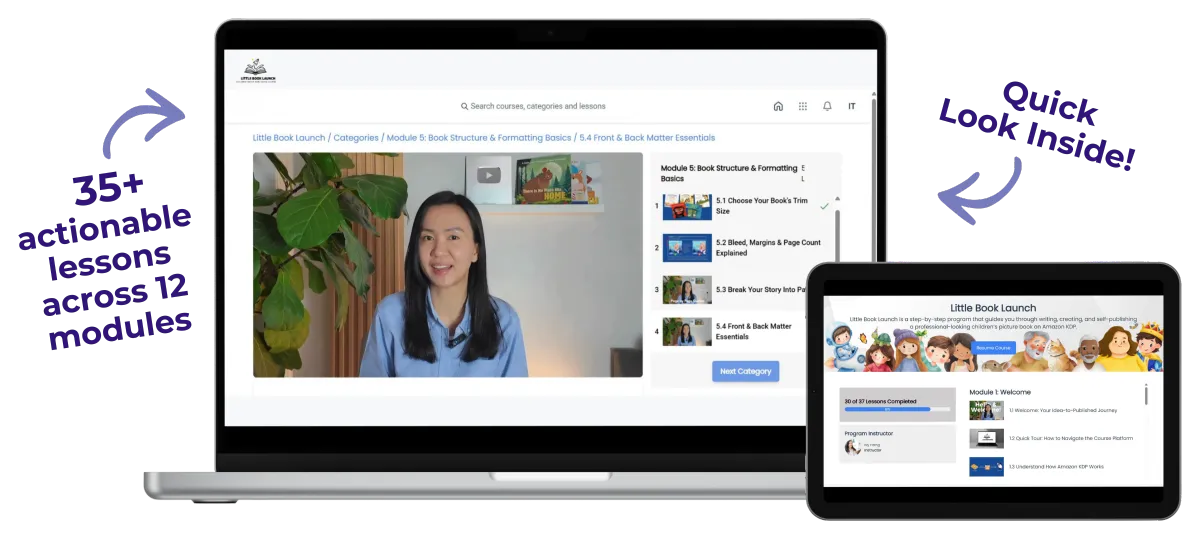
35+ step-by-step video lessons (from idea to book launch)
Private community access for support and feedback
Templates, worksheets, and guides to simplify the process
Exclusive Student Discounts on tools and resources
Lifetime access (no recurring fees)
Does any of this sound like YOU?
Do you want to publish a children’s book – but hesitate because you’re not a professional writer or illustrator?
Do you want to avoid spending thousands upfront – or losing months to trial and error?
Do you want to publish without spending months - or even years - waiting for a traditional publisher to say yes?
Do you want a clear roadmap to publish a polished, professional-looking children’s book?
Have you published low-content books like journals – and now want to level up to children’s books?
If you nodded “yes” to any of these, you’re in the right place.
Here's what becomes possible with the right process
Skip paying thousands upfront for done-for-you publishing services.
Stop wasting time piecing together scattered advice from all over the internet.
Skip the overwhelm with a step-by-step roadmap, templates, worksheets, and community support.
Publish on your timeline – without waiting for traditional publisher approval.
End with a polished, professional-looking book you’re proud to share -not something that feels DIY or homemade.
That's why I created the Little Book Launch.
A beginner-friendly, end-to-end roadmap to create and publish a bookstore-quality children's book on Amazon KDP - without breaking the bank or getting stuck for months.
How You'll Be Set Up For Success...
Little Book Launch
Your Roadmap To Becoming A Published Children's Book Author
(Without Breaking The Bank or Getting Stuck For Months)
Overview of the Course Curriculum:
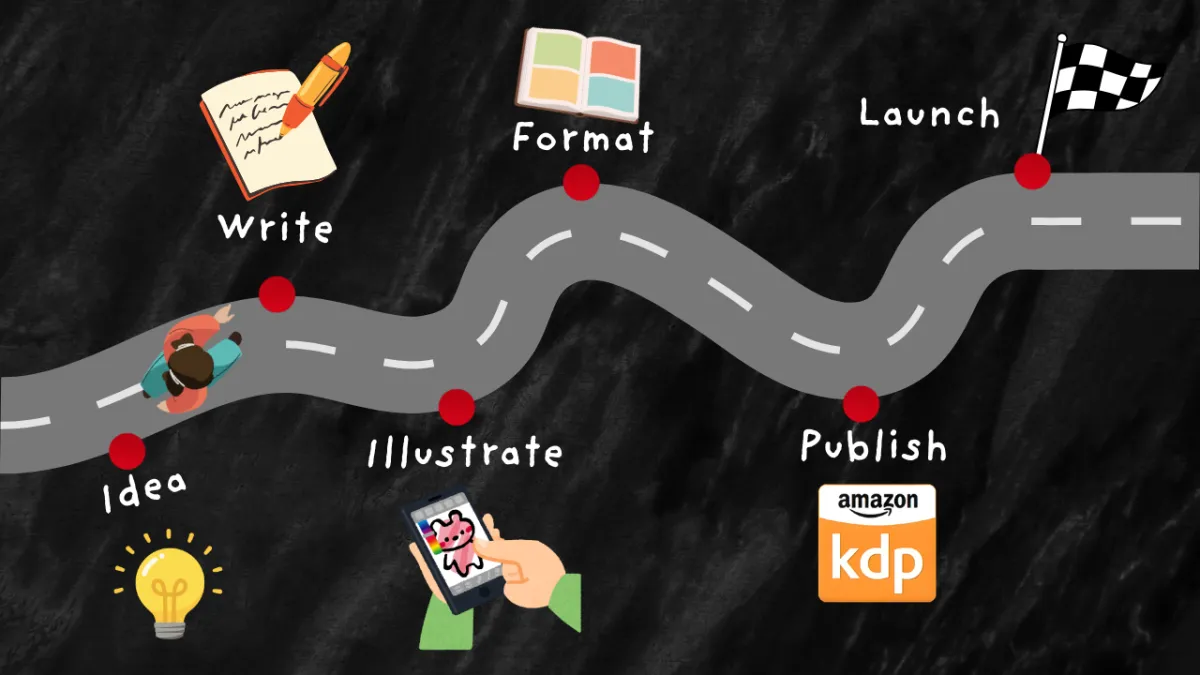
A complete, beginner-friendly roadmap to self-publish a polished children’s book on Amazon KDP—from idea to launch—with worksheets, reference guides, and done-for-your templates included.
Module 1: Welcome &
Your Success Roadmap
Lesson 1: Kick off your idea-to-published journey
Lesson 2: Quick platform tour so you can navigate the course with ease
Lesson 3: Understand how Amazon KDP works
Module 2: Find Your Story Idea
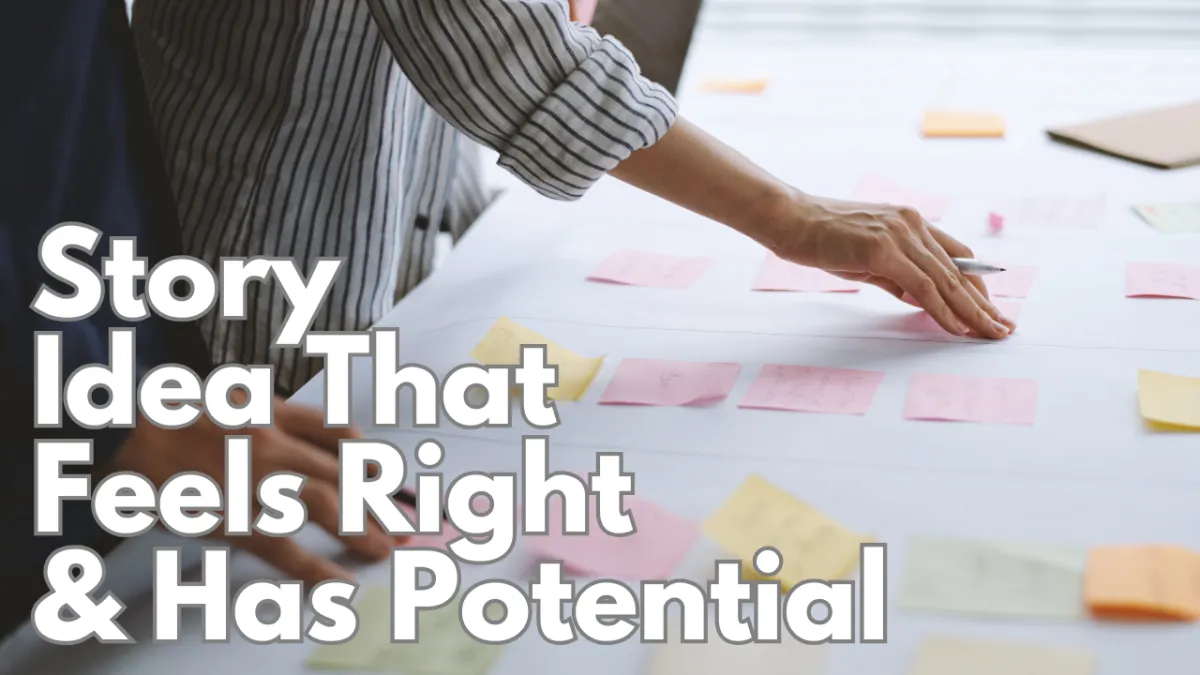
Lesson 1: Brainstorm book-worthy story ideas with guided prompts
Lessons 2 & 3: Validate and narrow down to your strongest idea with simple, beginner-friendly market checks
Module 3: Write Your Story
Lesson 1: Understand age group + word count
Lesson 2: Write with the proven picture-book story structure
Lesson 3: Improve tone, rhythm, and language with timeless storytelling techniques
Lesson 4: Learn to use AI as a brainstorming partner—not a ghostwriter
Lesson 5: Edit and polish your story

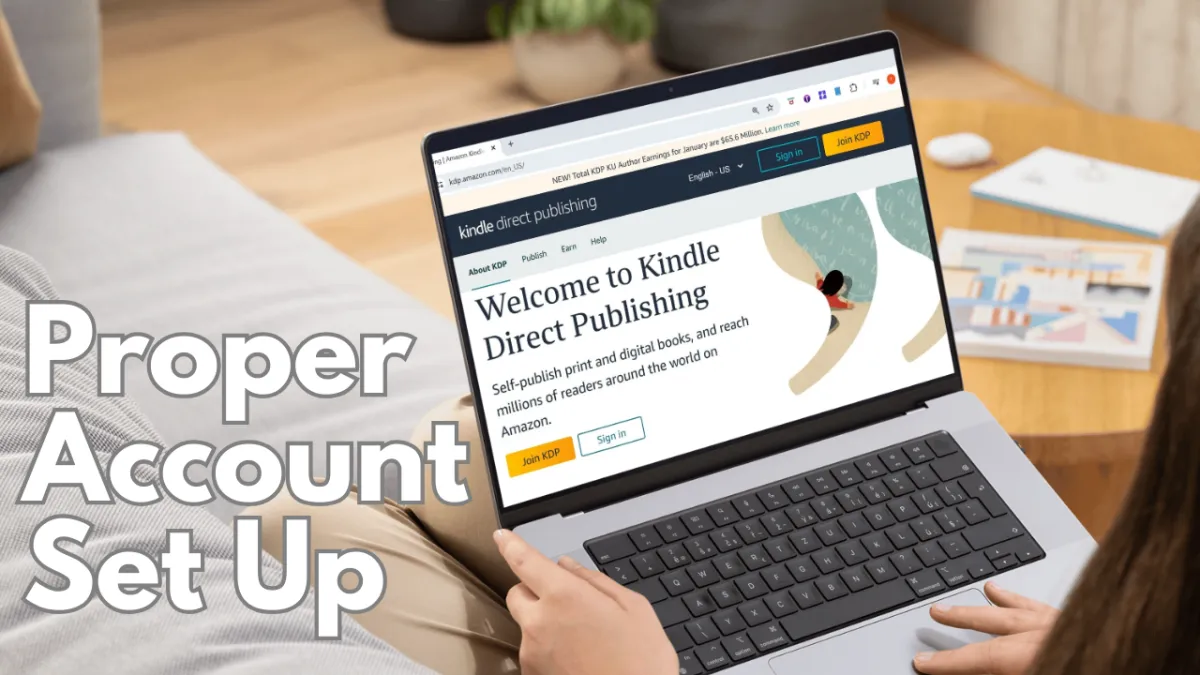
Module 4: KDP Account Setup
Lesson 1: Create and set up your Amazon KDP account correctly from the start
(Includes step-by-step walkthrough of the KDP setup flow: payment method setup, essential settings, and the KDP tax interview)
Module 5: Formatting & Layout Foundations
Lesson 1: Pick the right trim size for your picture book
Lesson 2: Understand bleed, margins, and page count
Lesson 3: Plan page turns and spreads so the story reads smoothly
Lesson 4: Add professional front and back matter
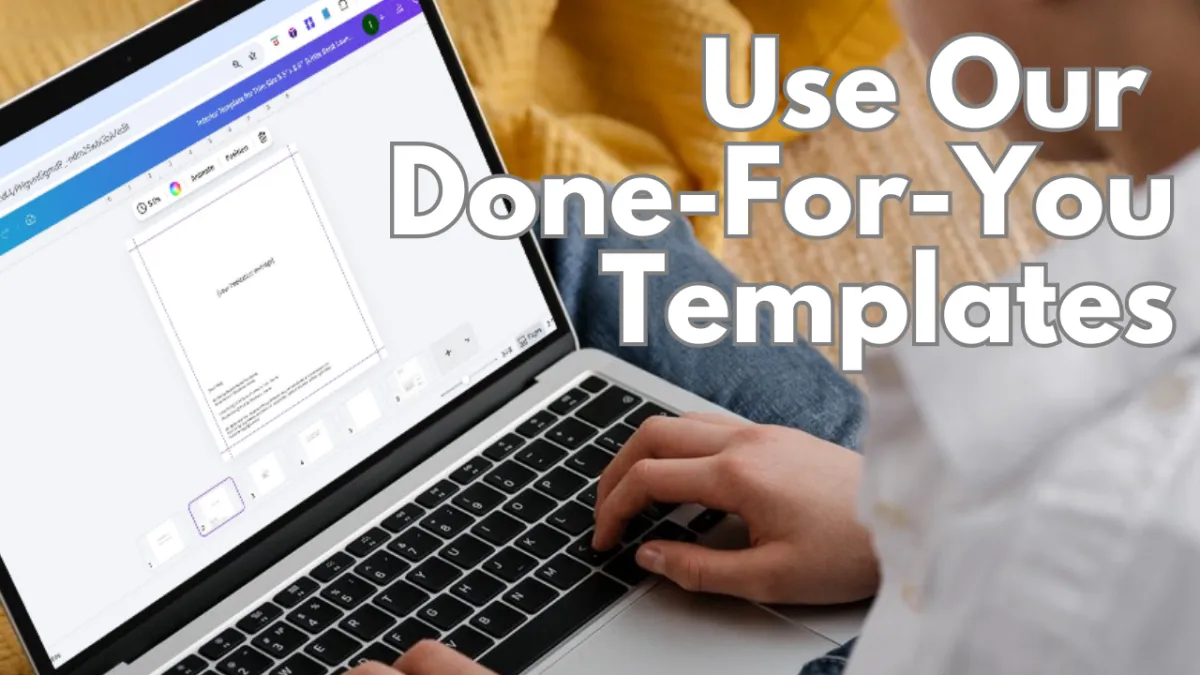
Lesson 5: Set up your interior in Canva with done-for-you templates
Module 6: Illustrations & Storyboarding
Lesson 1: Create a style guide and character reference for consistency
Lesson 2: Storyboard your book page-by-page so the visuals support the story
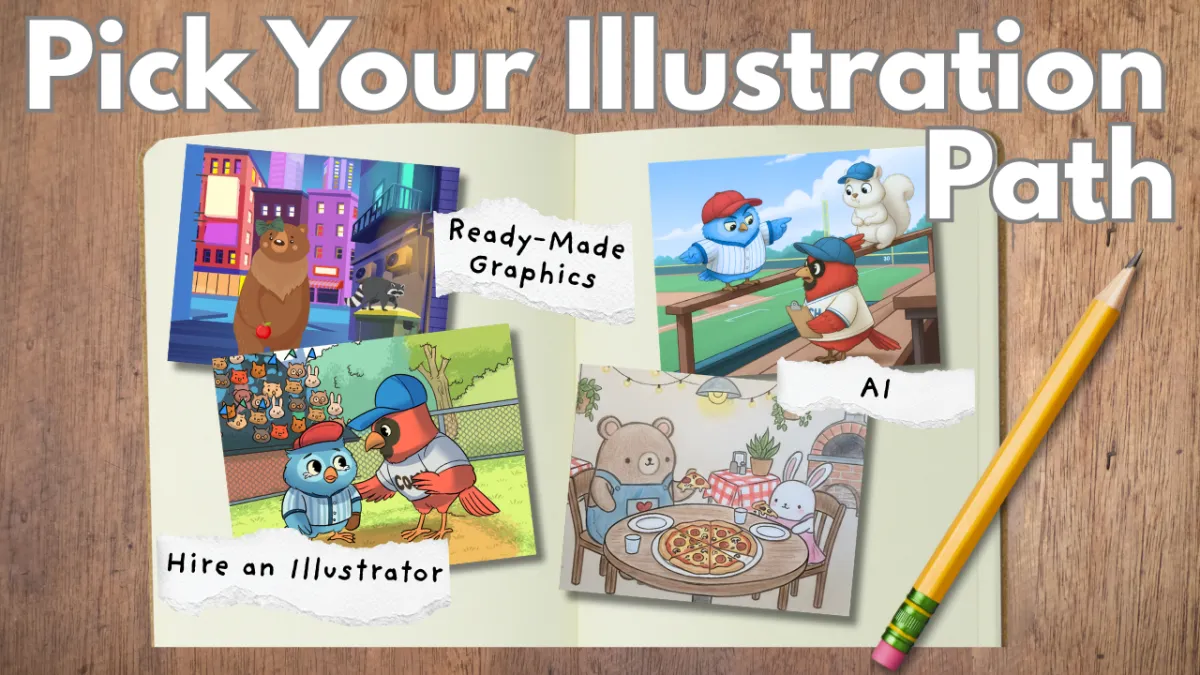
Lesson 3: Compare illustration options and choose your best fit
Step-by-step tutorials on the following options:
Lesson 4: Hire and collaborate with an illustrator
Lesson 5: Build scenes with ready-made graphics
Lesson 6: Illustrate with ChatGPT and avoid common quality pitfalls
Lesson 7: Illustrate with other AI tools
*You’ll also learn pro layout tips—like how to format double-page spreads so illustrations flow seamlessly across two pages.
Module 7: Assemble Your Book Files (Cover + Interior)
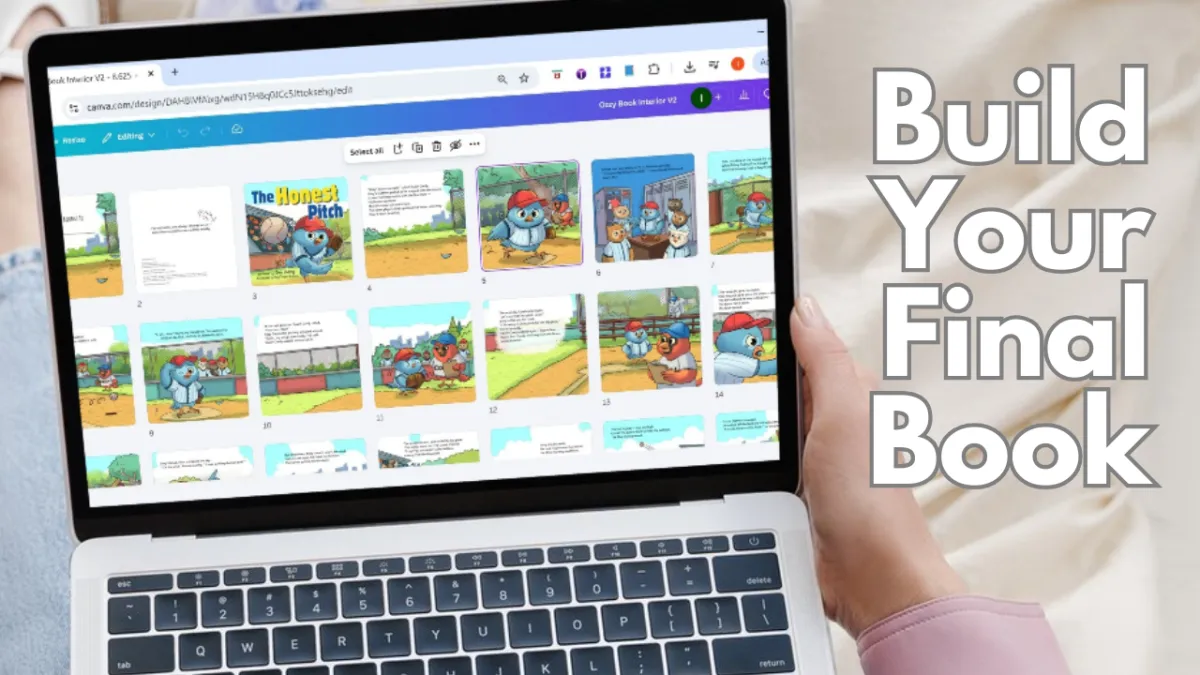
Lesson 1: Bring your interior together - final art, formatted text, and finishing touches
Lesson 2: Set up your KDP cover template in Canva
Lesson 3: Learn what makes covers work—then create yours step-by-step
Module 8: Copyright, Licensing & Trademarks
Lesson 1: Learn the essentials every children’s author should know to make informed choices
(For educational purposes only - not legal advice)
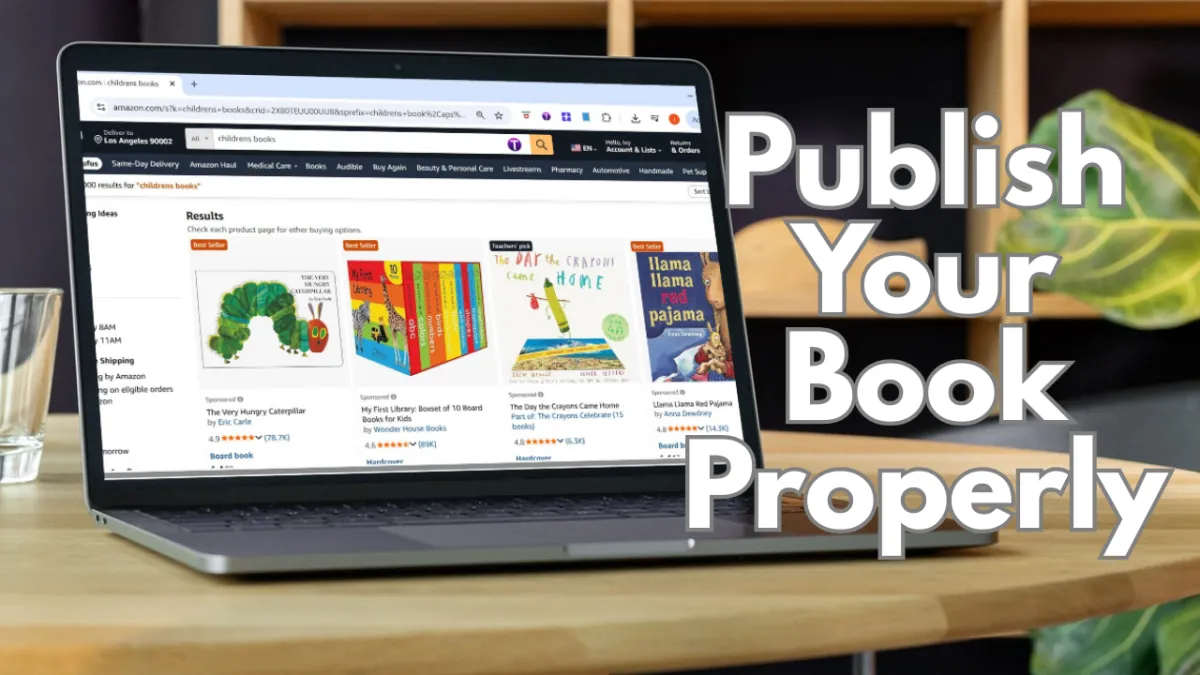
Module 9: Publish Your Book on Amazon KDP
Lesson 1: Publish your paperback version
Lesson 2: Order author copies
Lesson 3: Publish your Kindle e-book version
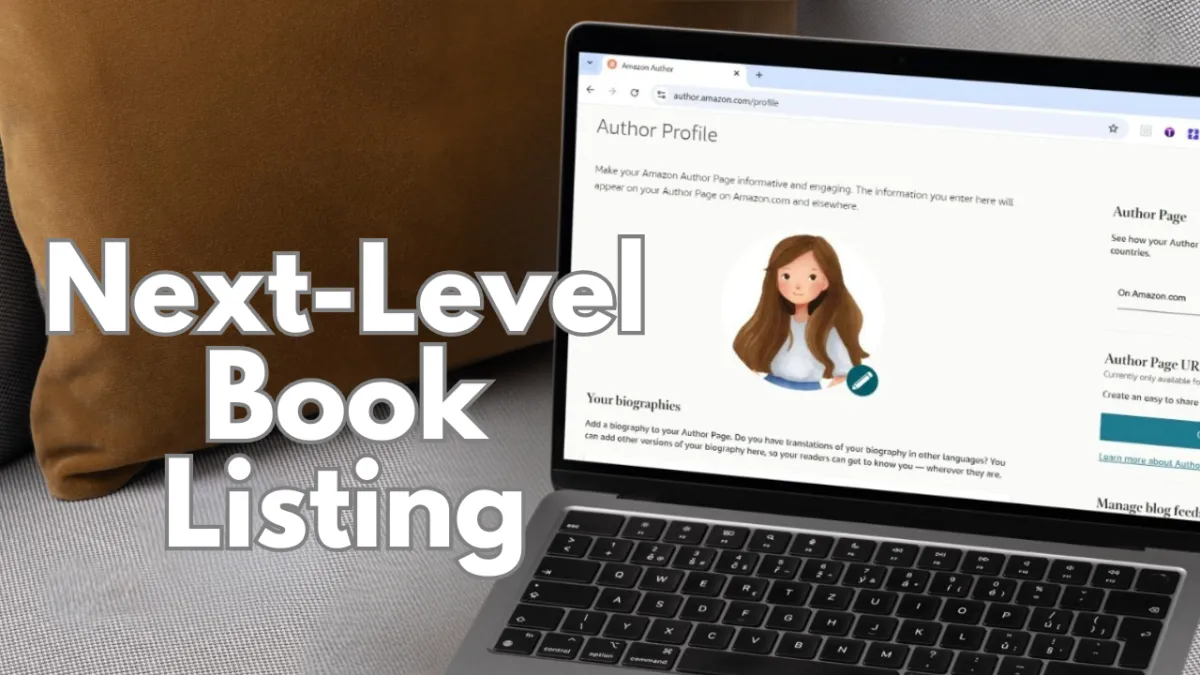
Module 10: Credibility & Listing Upgrade
Lesson 1: Set up your Author Central profile
Lesson 2: Add A+ Content to upgrade your listing
Lesson 3 (Bonus): Create eye-catching visuals and mockups to make your book stand out.
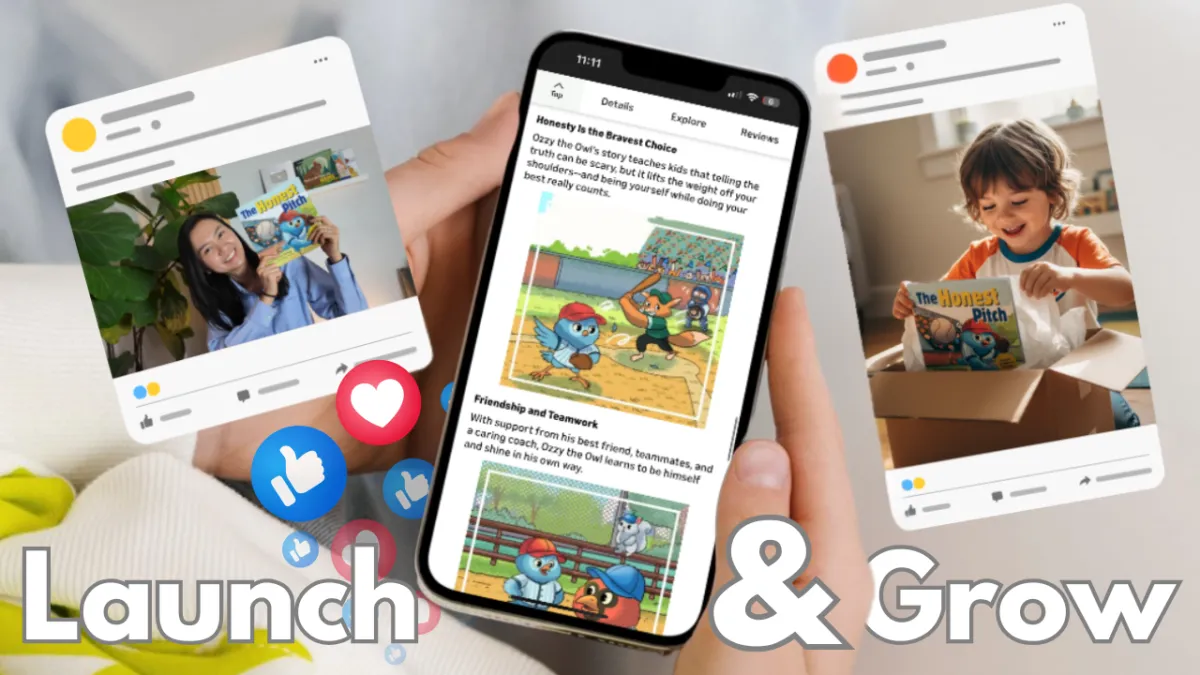
Module 11: Book Launch & Growth Plan
Lesson 1: Pre-launch and launch essentials to set your book up for a successful release.
Lesson 2: Post-launch growth tactics to keep your book visible and continue to grow sales.
Module 12: Celebration & Next Steps
Leave with a finished book—and a clear path forward.
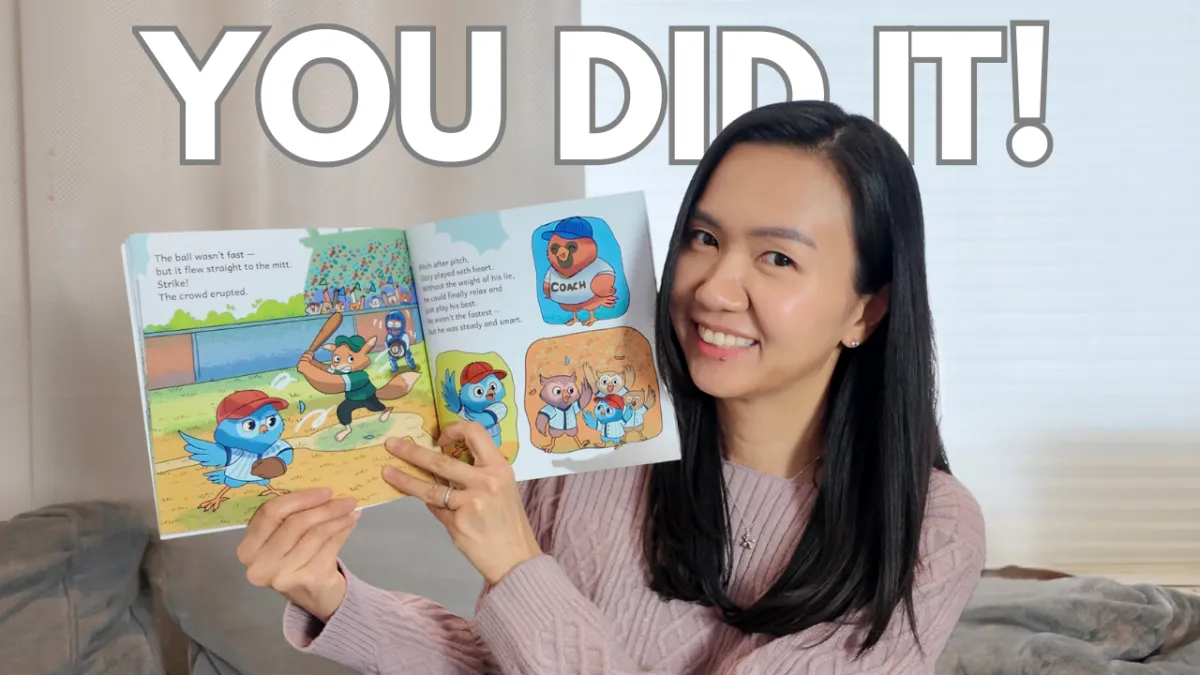
Celebrate: You did it—from idea to published author!
Now that you know the process, you can rinse and repeat with book #2, #3, #4… 😊
What You'll Get with Little Book Launch...


Hello, I'm Ivy
I created the Little Book Launch because I’ve been exactly where you are—dreaming of a children’s book, but feeling overwhelmed by where to start and assuming traditional publishing was the only path. Discovering self-publishing (and Amazon KDP) changed everything.
Since then, I’ve published my own books and grown a YouTube community of 120K+ aspiring authors and self-publishers, helping people publish everything from journals and coloring books to full children’s stories. And because children’s books are where my own journey began, I built this program to give you the clear, beginner-friendly roadmap I wish I’d had from day one - including the quality-defining details that are tough to fit into standalone YouTube videos.
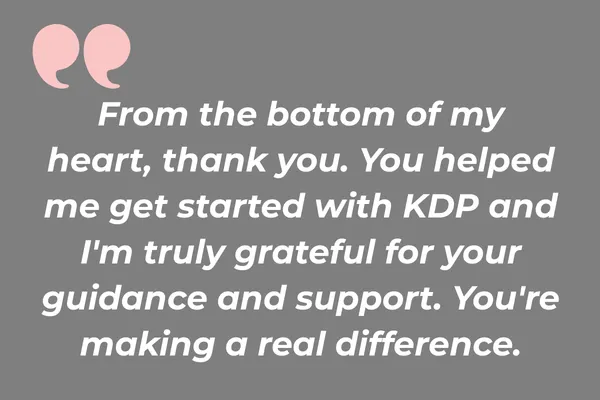
Kind Words From My Community
Founding Member Offer:
Special Pricing for the First 50 Students
Now $97 USD instead of $249
SAVE 60%!
Note: One-time payment. No recurring fees. Lifetime Access.
We’re confident you’ll get a ton of value from this program.
If, for any reason, you decide it’s not the right fit within 7 days of enrolling, just reach out and we’ll issue a full refund.
Is Little Book Launch Right For You?
This IS for you if...
You want a clear path to publishing your first picture book on KDP.
You want a polished, professional-looking book.
You want illustration options that fit your budget, timeline, and vision.
You want a repeatable process for book #2, #3, and beyond.
You want a flexible, self-paced program with templates, worksheets, and community support.
This is NOT for you if...
You want a "learn to draw" course (illustrating everything from scratch yourself).
You only want traditional publishing (the publisher/agent route).
You want a done-for-you service where someone creates and publishes the book for you.
You’re creating something other than a picture book (e.g., chapter books, middle grade, or board books).
You’re expecting overnight success rather than a real step-by-step process.
Frequently Asked Questions
How long does the course take?
The program includes 8+ hours of concise, high-impact, step-by-step lessons, each with clear action items so you spend less time consuming content and more time actually moving your book forward. If you’re working on it part-time, plan for about 4–8 weeks, depending on the illustration route you choose and how much time you’re able to devote. It’s self-paced, so you can go faster or slower—and if you’re able to work on it full-time, you can finish even sooner.
What formats will my book be published in?
Inside the course, you’ll learn how to publish your book in two formats on Amazon KDP: a paperback (print) and a Kindle e-book (digital).
Can I publish on Amazon KDP if I live outside the U.S.?
Yes — you can take this course (and publish on Amazon KDP) even if you live outside the U.S.
You can publish your book from your country and sell it on Amazon’s different country stores (like .com, .ca, .co.uk, etc.). Everything we teach about creating your picture book and publishing on KDP applies no matter where you live.
The only part that can vary by country is setting up your KDP account—especially getting paid and completing KDP’s tax info during setup. We’ll point out what may look different depending on your region in the walkthrough.
Do I need to be a writer or illustrator to take this program?
No —this program is beginner-friendly, even if you’re not a professional writer or illustrator.
We’ll teach you a proven picture-book structure, guide you through mapping your story with a worksheet, and share timeless storytelling techniques you can apply as you write.
And for illustrations, you’ll pick the approach that fits your budget, timeline, and vision—with detailed, step-by-step demos so you can create a professional-looking book without having to draw anything from scratch.
Are any extra tools or services required for this course?
You do not need a long list of extra tools to complete the course or publish your first children’s book. We use Canva for formatting and interior setup, and for many students, it will do most of the heavy lifting. The free version can work, and Canva also offers a 30-day free trial of their Pro version.
Any additional costs will mostly depend on the illustration path you choose. We also mention some optional tools and services—like editing, proofreading, or market research tools—but these are not required. Throughout the course, we show you both free or low-cost options and optional affordable upgrades, so you can choose what works best for your budget and vision.
You’ll also receive exclusive student discounts on select recommended tools and resources, should you choose to use them.
What is the refund policy?
We are confident you will get a ton of value from this program. If you decide it’s not the right fit, just reach out within 7 days of enrolling and we’ll issue a full refund.